 4K guide
IPTV 4K Ultra HD: what it means
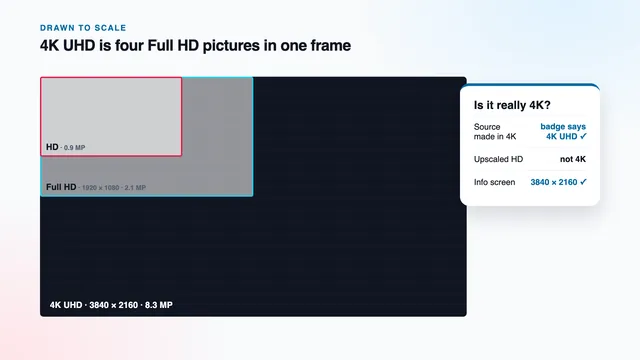
3840 × 2160 explained: which programmes are really made in UHD, why upscaled HD is not 4K and how to tell them apart.Continue reading →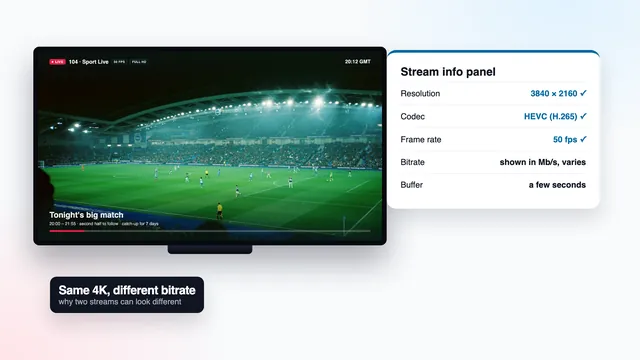 4K guide
4K IPTV bitrate
Why two 4K streams can look different: bitrate, HEVC, frame rate and the player's info screen that shows them.Continue reading →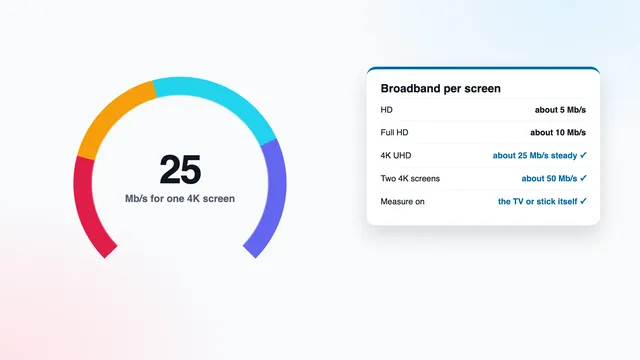 4K guide
4K IPTV bandwidth
How many Mb/s a 4K screen needs, measuring it on the TV itself, two screens at once and the evening peak.Continue reading →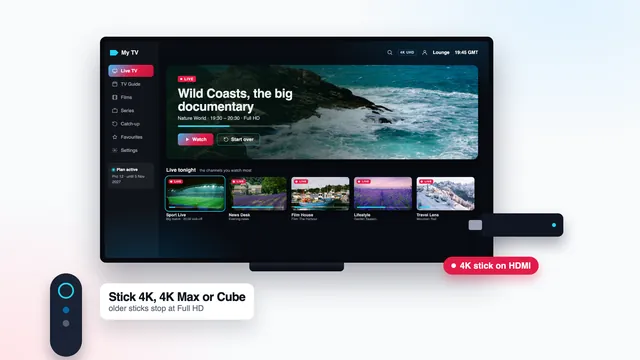 4K guide
4K IPTV on a Firestick
Which Fire TV models output 4K, installing the app, and the display settings that keep the picture at 2160p.Continue reading →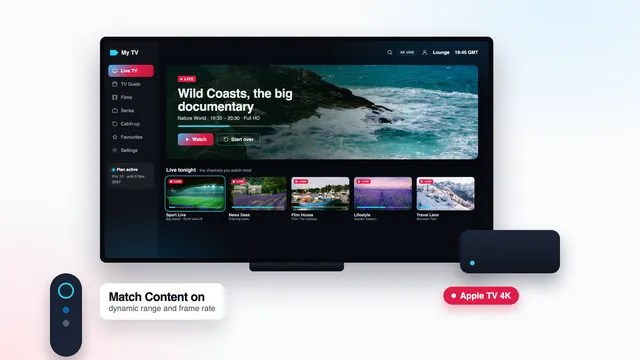 4K guide
4K IPTV on Apple TV
Apple TV 4K and the apps in its store: the login, Match Content, and why the older Apple TV HD stops at 1080p.Continue reading →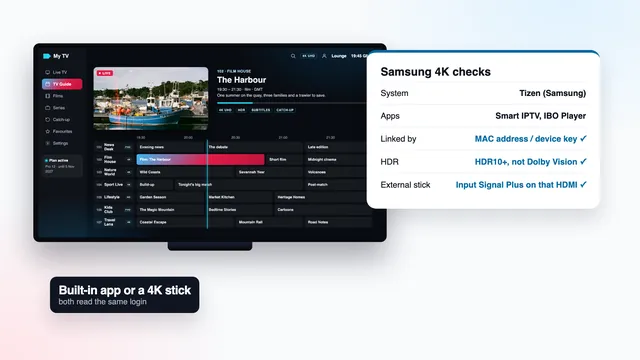 4K guide
4K IPTV on a Samsung TV
Samsung 4K sets: the apps that run on Tizen, HDR10+ support, the HDMI settings and when a stick does better.Continue reading →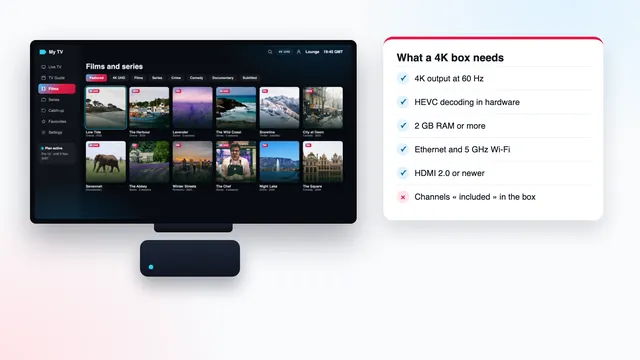 4K guide
4K IPTV box: the specs that matter
What a 4K box must have: 4K at 60 Hz, HEVC in hardware, enough memory, Ethernet, and a certified system.Continue reading →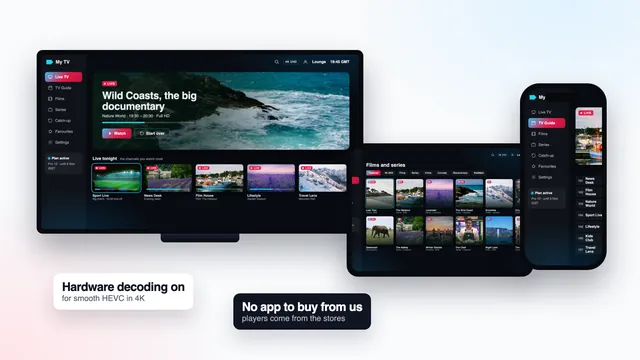 4K guide
4K IPTV player apps
Player apps that decode 4K well on each device, the settings inside them and the look-alike apps to avoid.Continue reading → 4K guide